Live switching
Build the next scene in Preview while Program stays on air. Mix cameras, video files and graphics, then use TAKE or CUT to send the scene live.
Explore Switcher ↗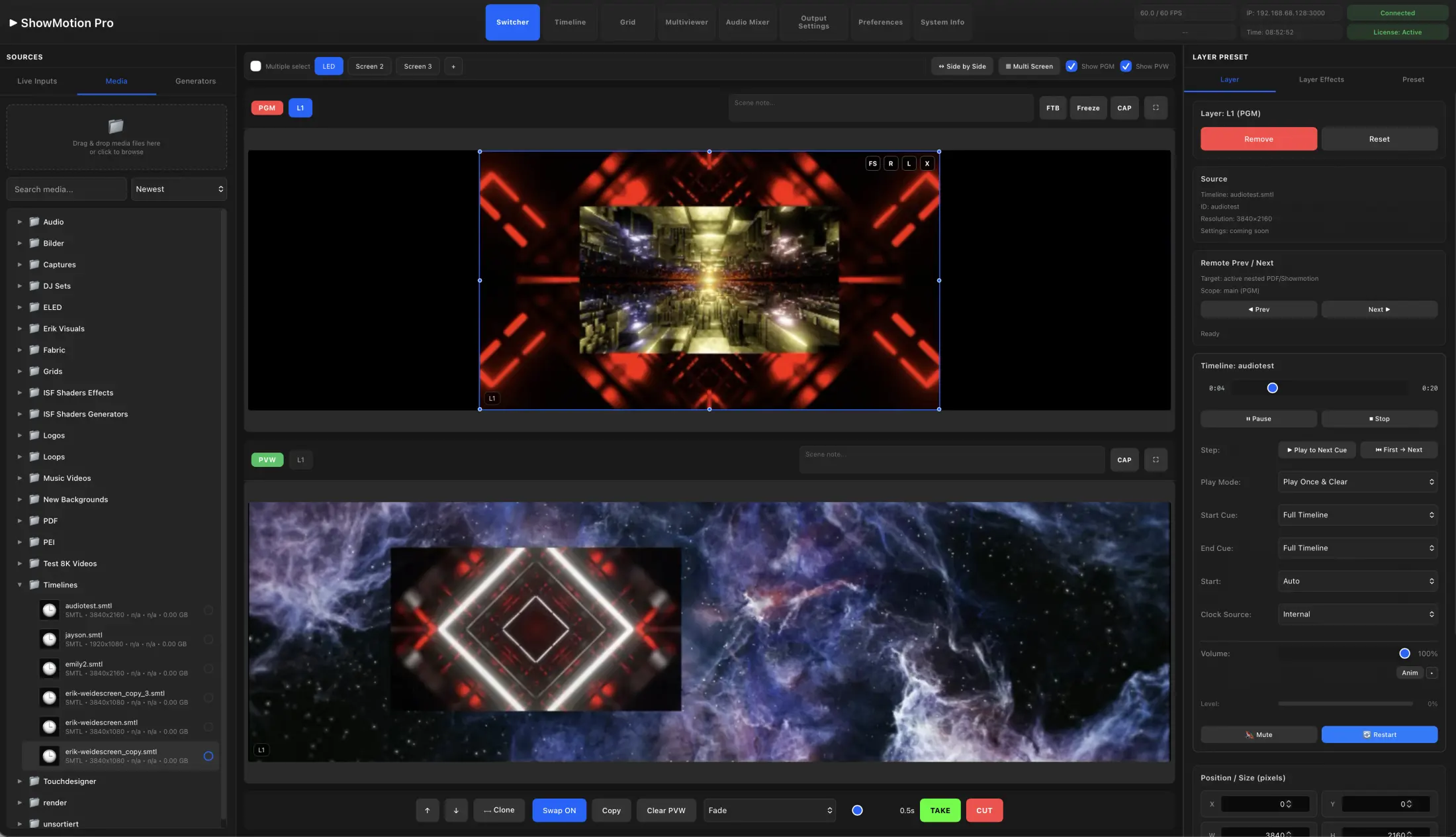
 ShowMotion
MEDIA SERVER SOFTWARE FOR APPLE SILICON
Professional media playback.
Live video. Complete show control.
Live video, media playback, audio and lighting in one Mac-based system. Run your show on LED walls, projectors and broadcast networks.
No fixed limits on inputs, outputs or layers.
Scale with your Mac’s processing power and connected I/O hardware.
ST 2110NDIOMTAirPlaySyphonSRTSDINVIDIA FrameSync / Phase Lock
PLAYBACK & SHOW CONTROL
Combine the work of a media server, presentation switcher and show controller in one application. Switch live sources, launch clips or program a timed sequence — with shared media and routing between workspaces.
Build the next scene in Preview while Program stays on air. Mix cameras, video files and graphics, then use TAKE or CUT to send the scene live.
Explore Switcher ↗Organize clips in rows, columns and groups. Trigger them individually or together for live performances, walk-in content and shows with a changing running order.
Explore Grid ↗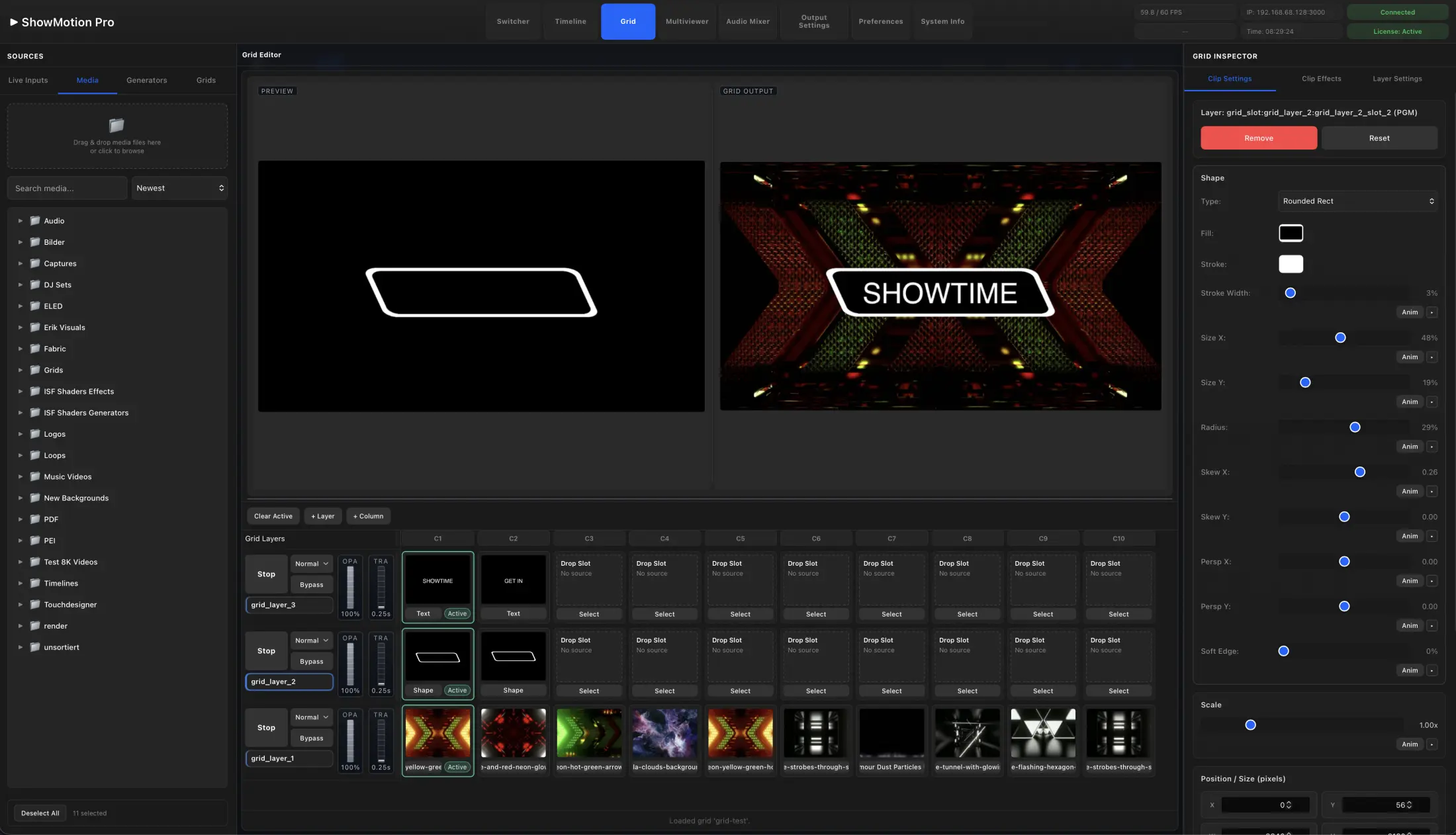
Arrange video, audio, parameter animations and control cues over time. Use container clips and nested timelines to organize longer sequences.
Explore Timeline ↗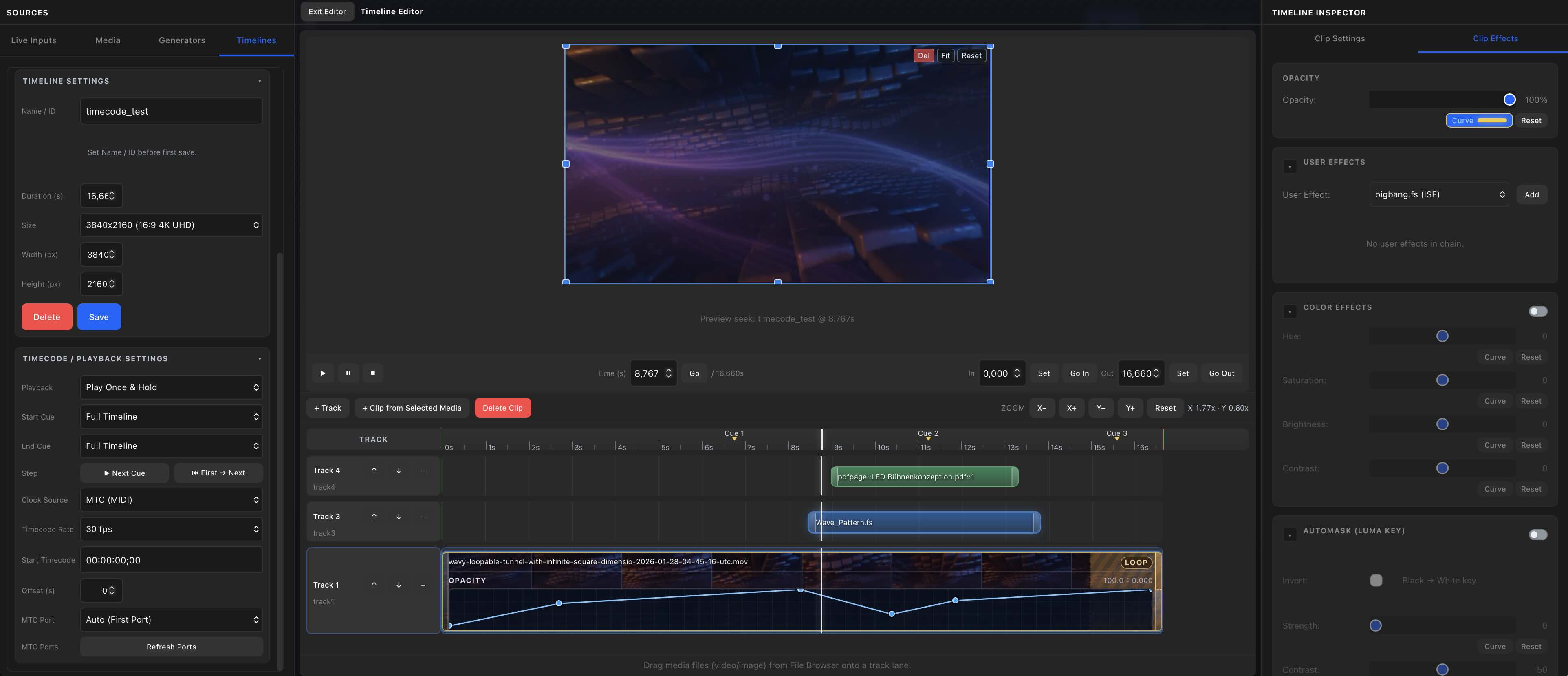
Bring a complete Grid or Timeline into a Switcher scene, or route individual layers to the screens that need them. See how they work together ↗
SCREENS & MAPPING
Build the look once, then decide where each part belongs. Map regions to LED walls and projectors, route selected layers, and create different views of the same show for the stage, stream and recording.
Displays · SDI · NDI · SRT · ST 2110 · Streaming
Mapping & supported outputs ↗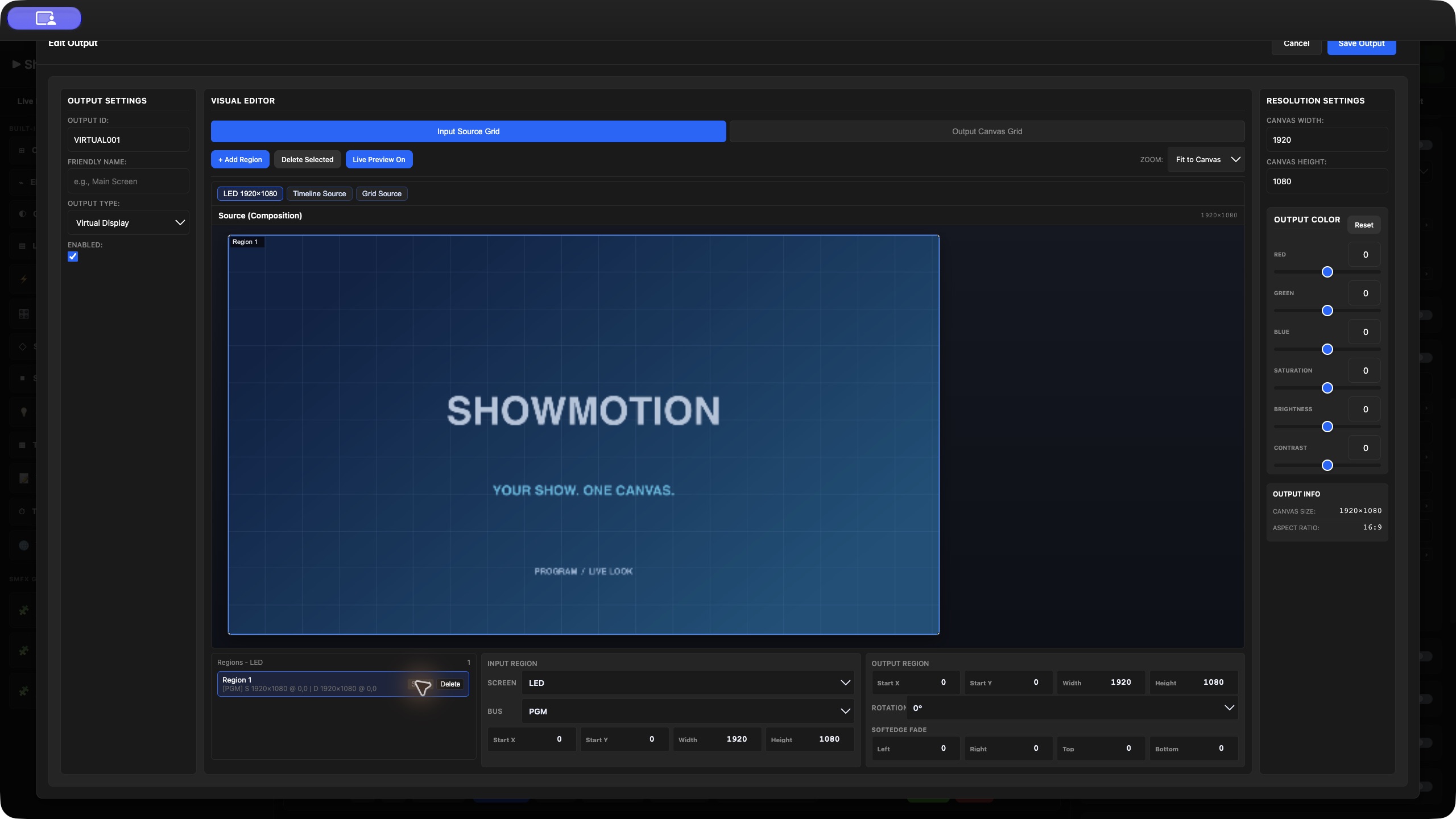
VIDEO CONNECTIONS
Build the I/O system your show needs. Add capture and output hardware to your Mac, or connect through IP video — with no fixed software limits on channel count.
OUTPUT
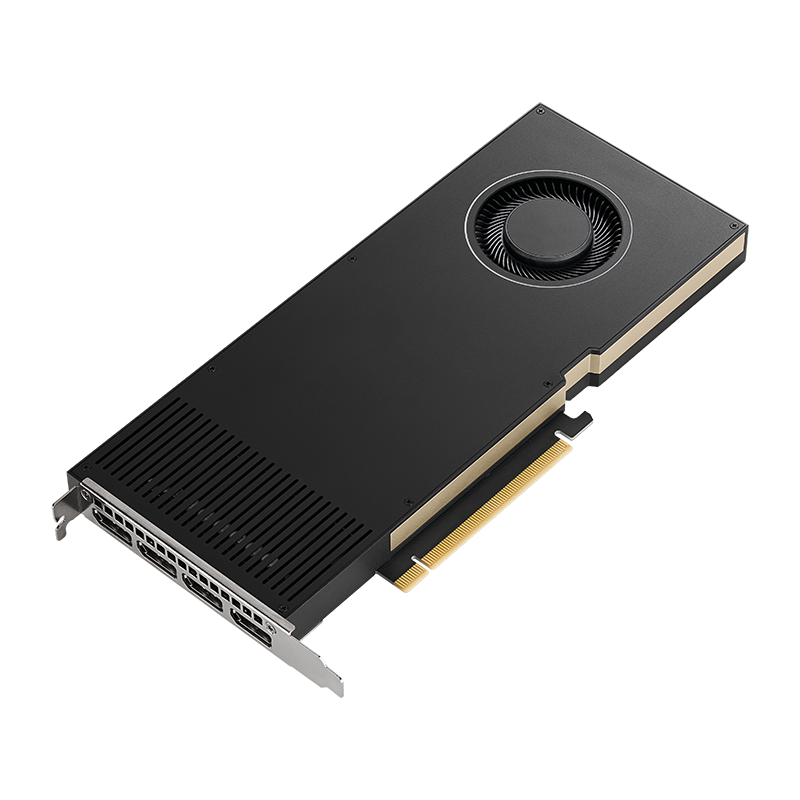
4 × 5K60P · RGB10 · FrameSync / Phase Lock
Phase-locked FrameSync across four 5K60P RGB10 outputs. The ShowMotion Native NVIDIA Quadro Driver for Apple Silicon synchronizes the display timing of supported Quadro outputs for multi-screen playback.
Travel light with the T600: four 5K Mini DisplayPort 1.4 outputs with phase-locked FrameSync in a compact Thunderbolt setup.
INPUT / OUTPUT
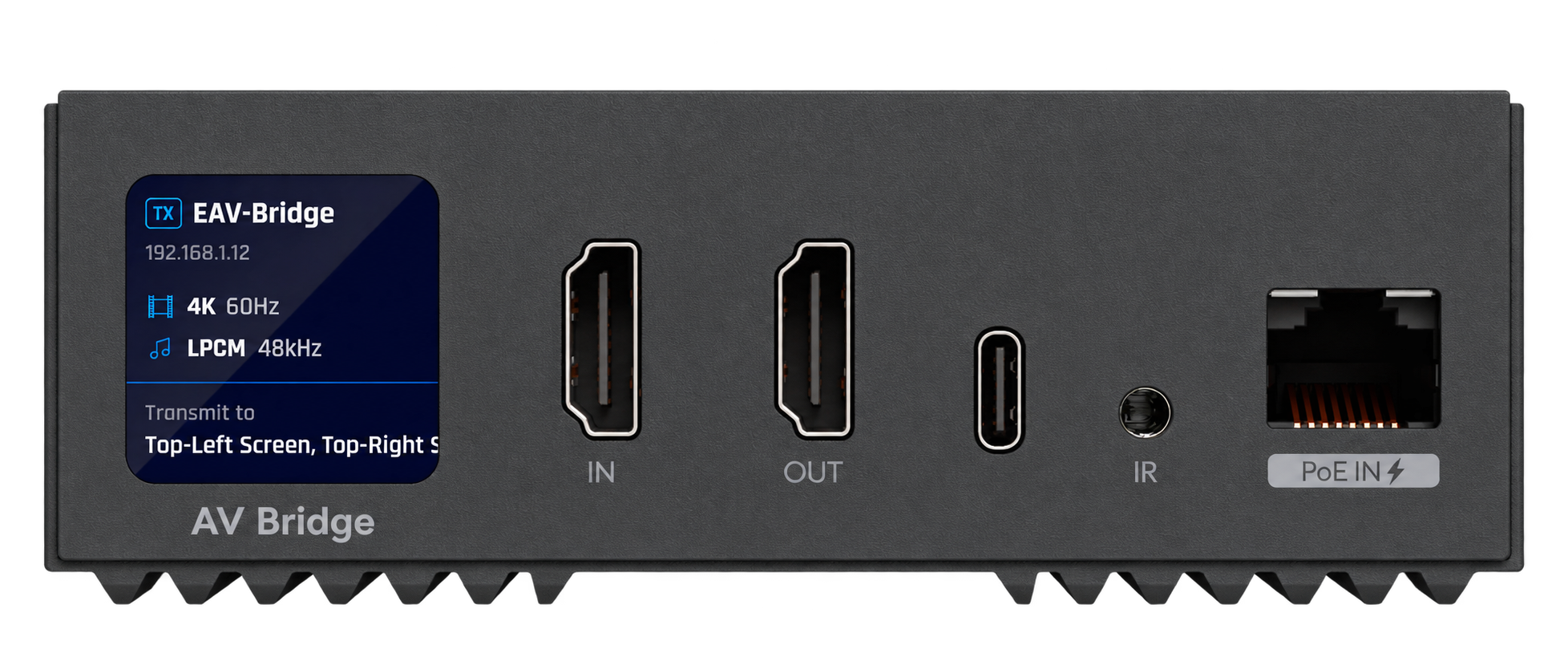
4K HDMI · AV over IP
Bring an EAV source into your show, or send a composition to an EAV receiver. Select the device and stream channel in EAV Bridge.
Less HDMI cabling across the venue: place an EAV Bridge beside your source or display and carry video and audio over the network.
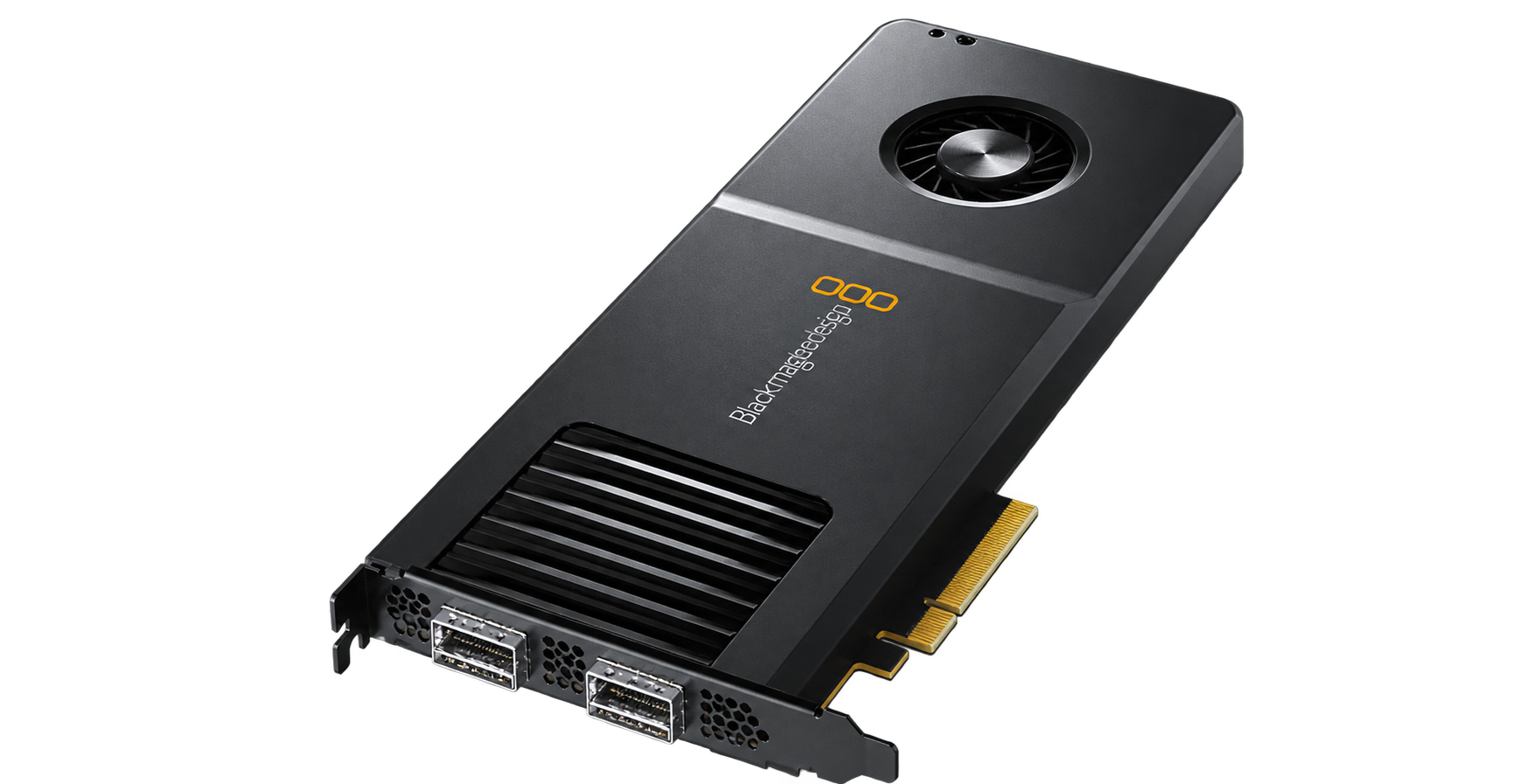
INPUT / OUTPUT
SDI · HDMI · ST 2110
Bring live video into ShowMotion and send your show to professional outputs. Choose SDI, HDMI or ST 2110 to suit your DeckLink model. Shown: DeckLink IP 100G.
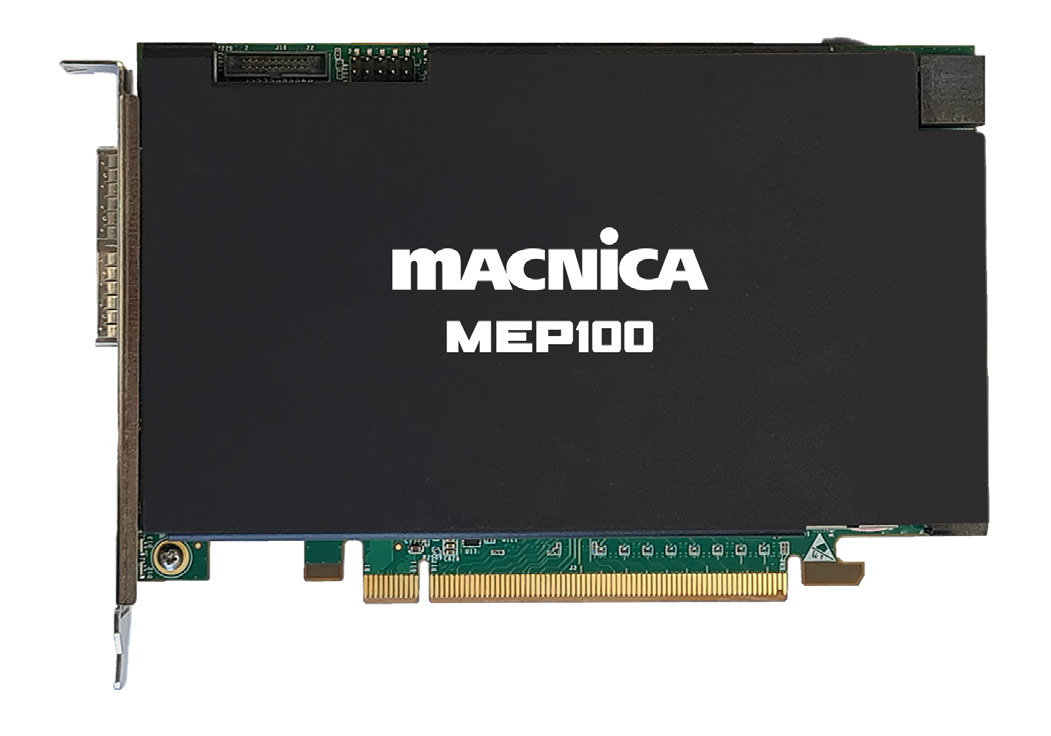
INPUT / OUTPUT
ST 2110 · Dual 100GbE
Connect ShowMotion to a professional ST 2110 network. Receive IP video as live sources and deliver show outputs through Macnica’s dual 100GbE hardware.
Choose supported hardware, drivers and a connection mode for your production. Available formats and channel counts depend on the card and configuration.
Product photography: Ubiquiti, Blackmagic Design, Macnica and PNY / NVIDIA. Select an image for manufacturer information.
THE SHOWMOTION 1.2 UPDATE
Design the LED layout and visualize your lighting before showtime. Place Art-Net/DMX lighting presets alongside video cues, route audio through the mixer, and build the sequence as one production.
See everything new in 1.2 ↗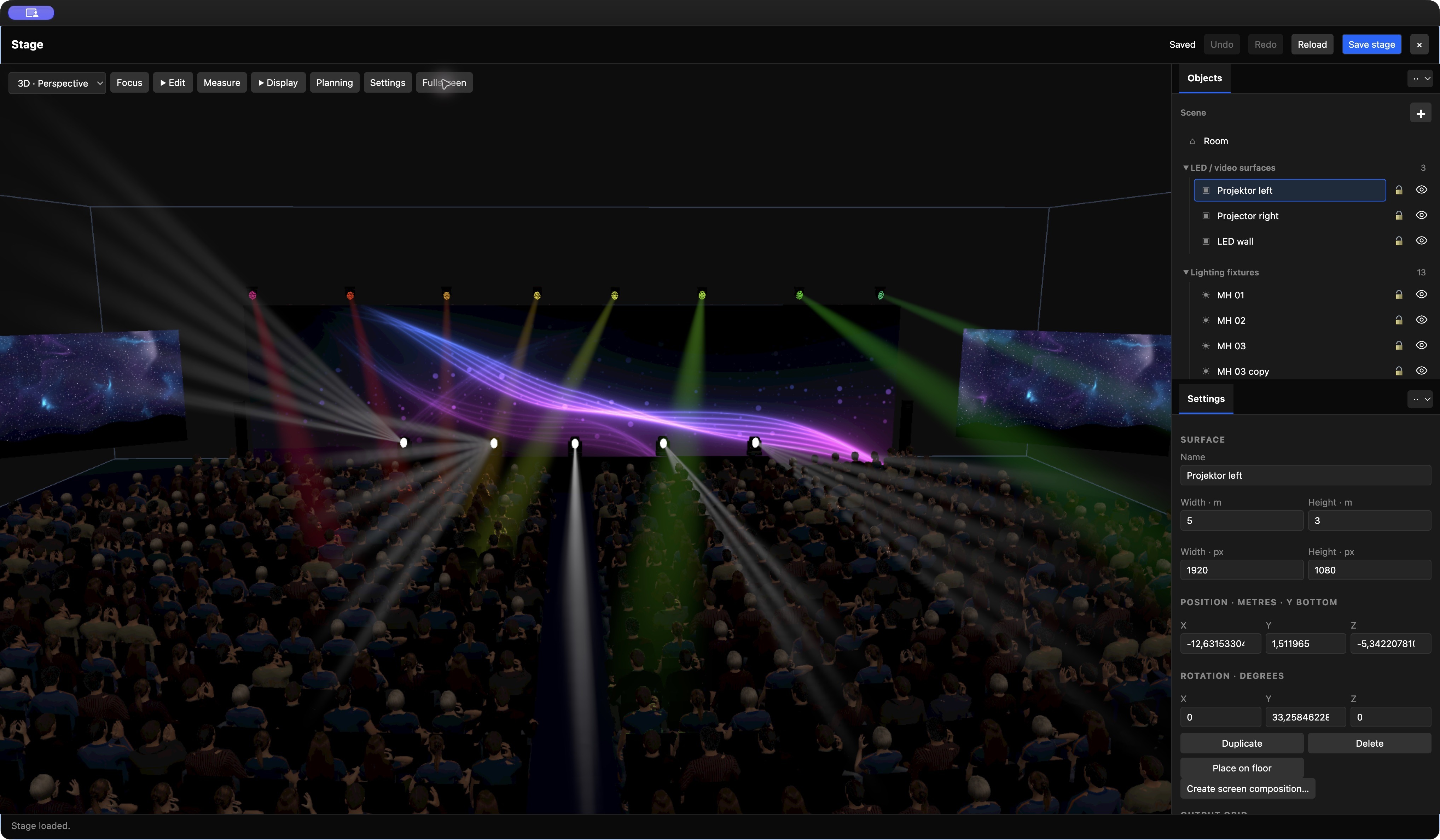
Also in 1.2 Web Browser GeneratorAI masking & bokehShowMotion Codec & ConverterCustom workspaces
MEDIA, EFFECTS, AUDIO & LIGHTING
Prepare media, animate layers, route audio and program lighting within the same project.
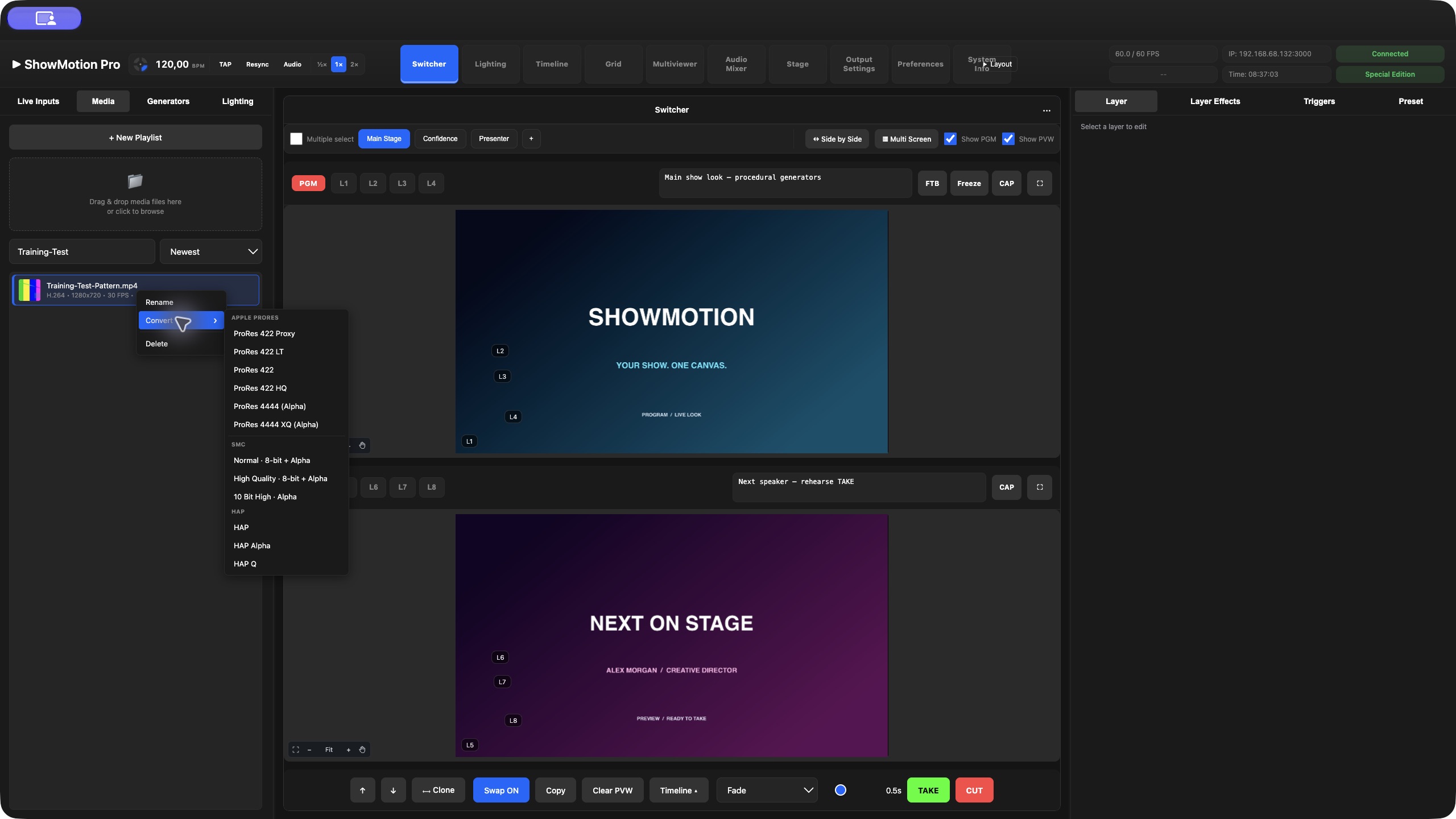
Organize, preview and convert your media before it reaches the show.
Media & playback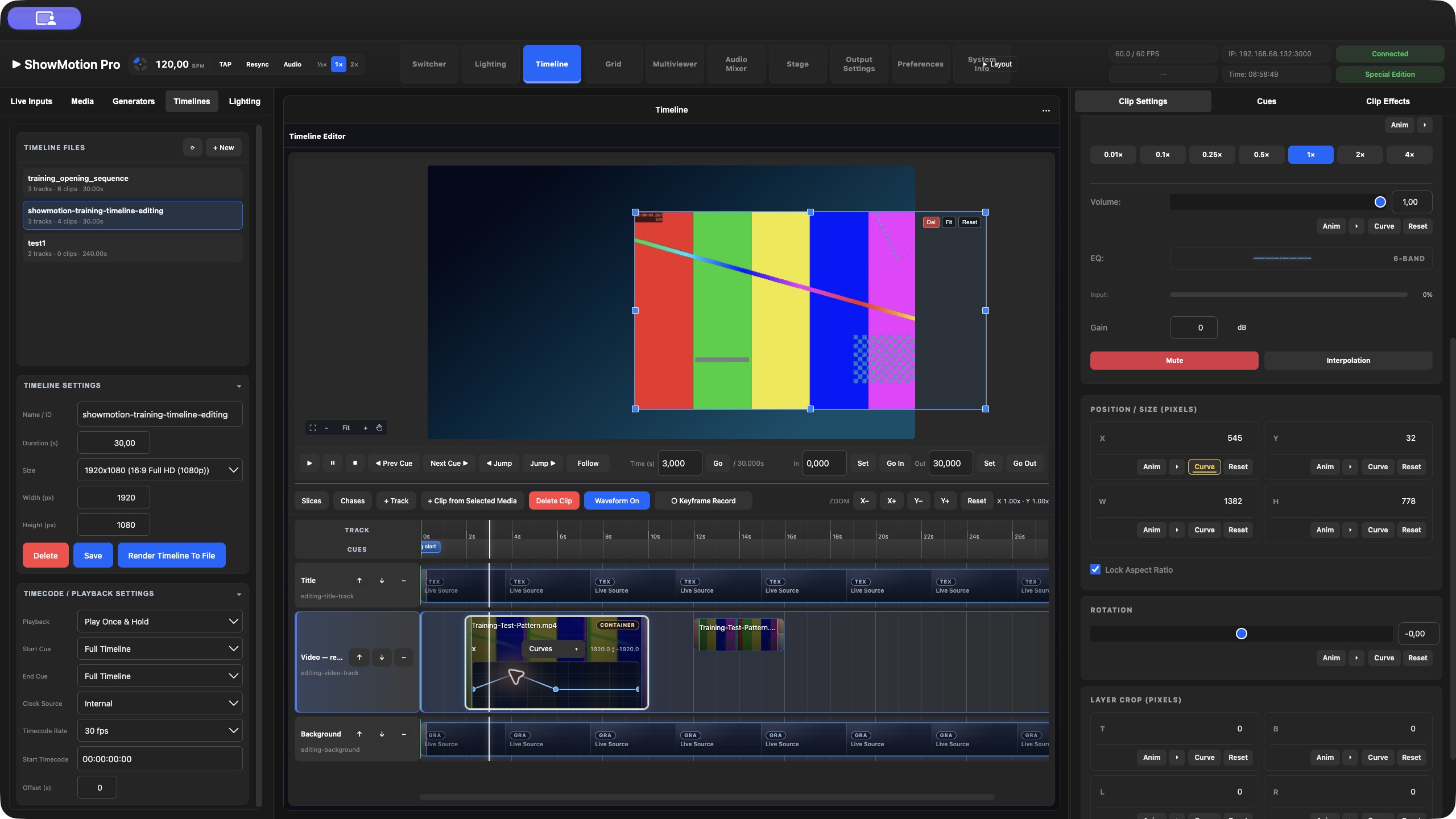
Work with color, masks, spatial effects and animated parameters.
Effects & animation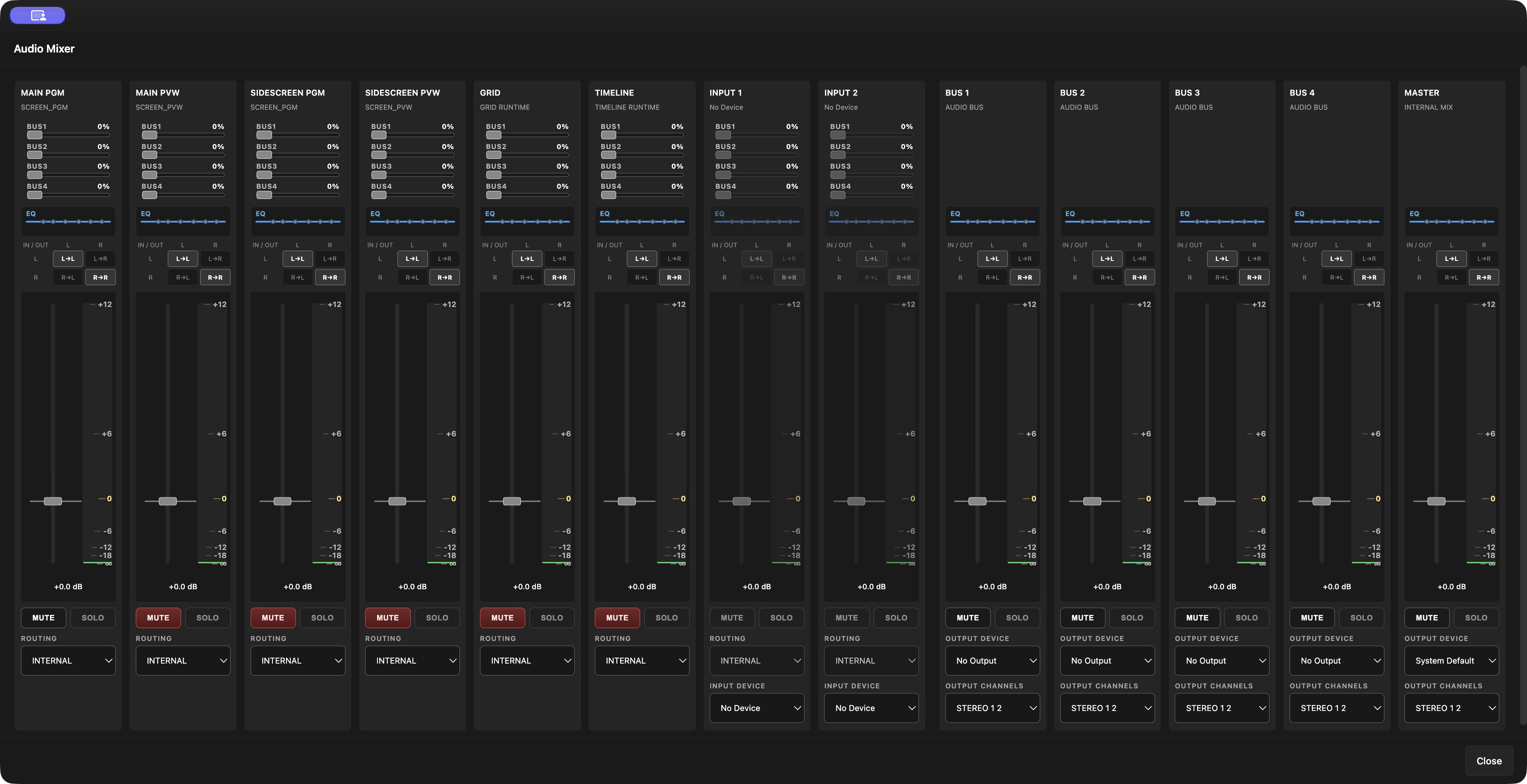
Mix channels and route audio alongside your video production.
Audio Mixer & routing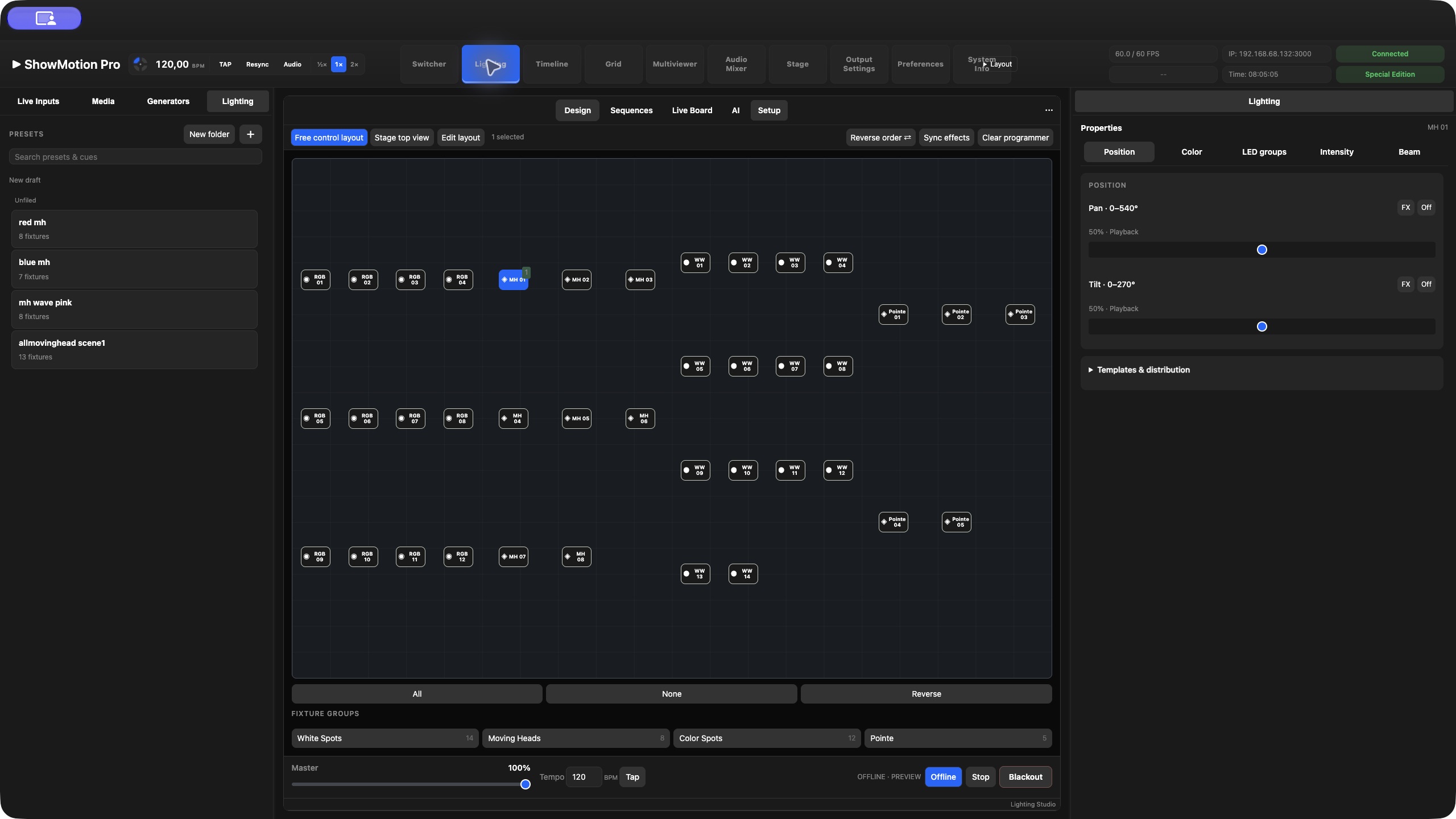
Build lighting looks and place them alongside your video cues.
Art-Net / DMX Lighting StudioBUILT FOR APPLE SILICON
ShowMotion renders on the Mac and supports dedicated video hardware for capture and output.
Media, layers, effects and audio
on the Engine Mac
Displays, SDI, IP video
and supported NVIDIA hardware
ShowMotion’s Engine is built around Metal, Apple’s media hardware and unified memory. Decoding, composition and effects work within the Mac’s native graphics and media stack.
At the show computer, Shared Texture previews pass GPU images directly to the desktop app, avoiding a streamed preview’s encoding and network stages.
Inside the architecture ↗For LED walls and multi-projector shows, the outputs need to scan in step. ShowMotion’s native NVIDIA Quadro path provides FrameSync with Phase Lock: synchronized display timing across the supported card’s outputs, keeping movement aligned across screen boundaries.
Apple Silicon renders the show; NVIDIA Receiver and the ShowMotion Native NVIDIA Quadro Driver handle the phase-locked display outputs. The entire path runs natively on macOS, without a Linux backend.
NVIDIA Native & supported hardware ↗CONNECTED OPERATION
The Engine keeps playing and rendering. Each operator connects to the workspace they need.
The video operator prepares Preview and takes the next scene live.
A colleague edits an inactive Timeline and hands it over when it is ready.
Another workstation prepares looks in Stage Designer and runs agreed lighting cues.
Use Web Remote from a compatible browser on a Mac or Windows computer. The desktop app can select between reachable Engines on the network. A Windows desktop remote is planned.
Operators share the same show state, so agree who owns live actions. Remote video previews use compression, including H.265, and can arrive later than the actual output.
Plan a multi-operator show ↗Launch Grid clips and columns, navigate banks and follow live playback feedback from your control surface.
Set up Companion ↗Send commands from Switcher, Grid or Timeline with Electronic. Animate OSC and Art-Net controls alongside your video.
Use the Electronic generator ↗THE USER MANUAL
Follow the current 1.2 guide with real screenshots, short videos and downloadable training shows. Start with screens and layers, then explore nested workflows, animation, cues and outputs.
REAL PRODUCTIONS
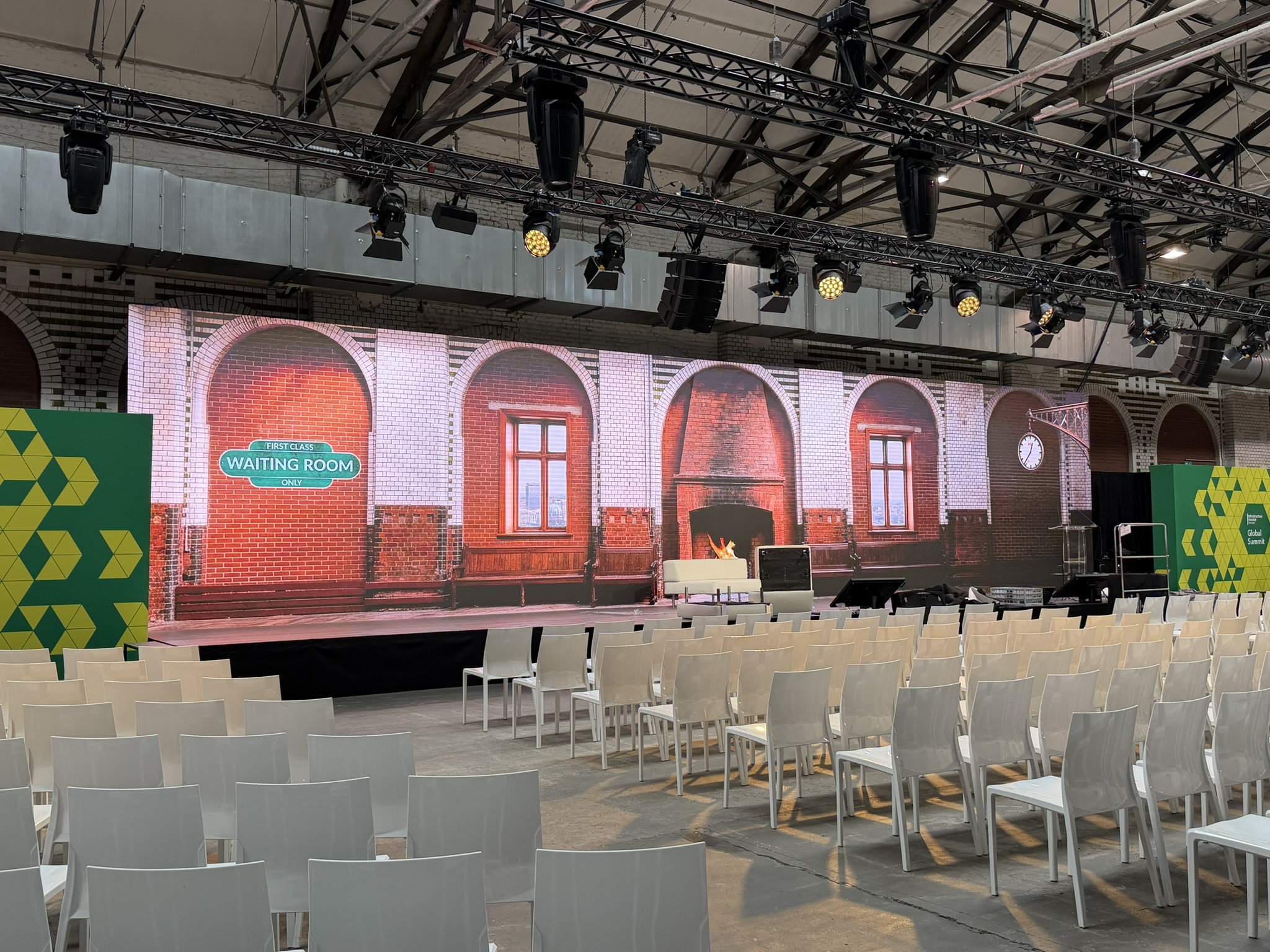
MULTI-SCREEN LED · FRAMESYNC & GENLOCK
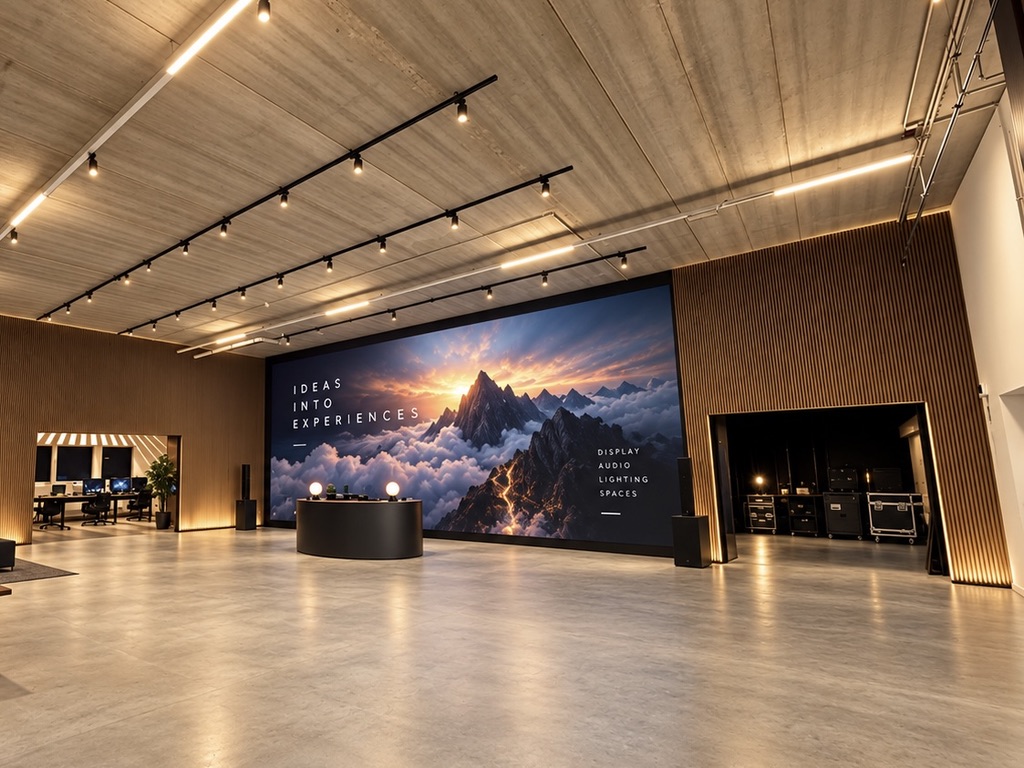
Three LED walls and a 360° LED tower, driven by one M2 Ultra Mac at STATION Berlin.
FrameSync / Phase LockGenlocked across all LED surfaces
PRESENTATION · LIVE CAMERAS · STREAMING
Stage, side room and stream from one ShowMotion system.
Internal recordingDirect YouTube streaming
FESTIVAL · LIVE VJ SHOW
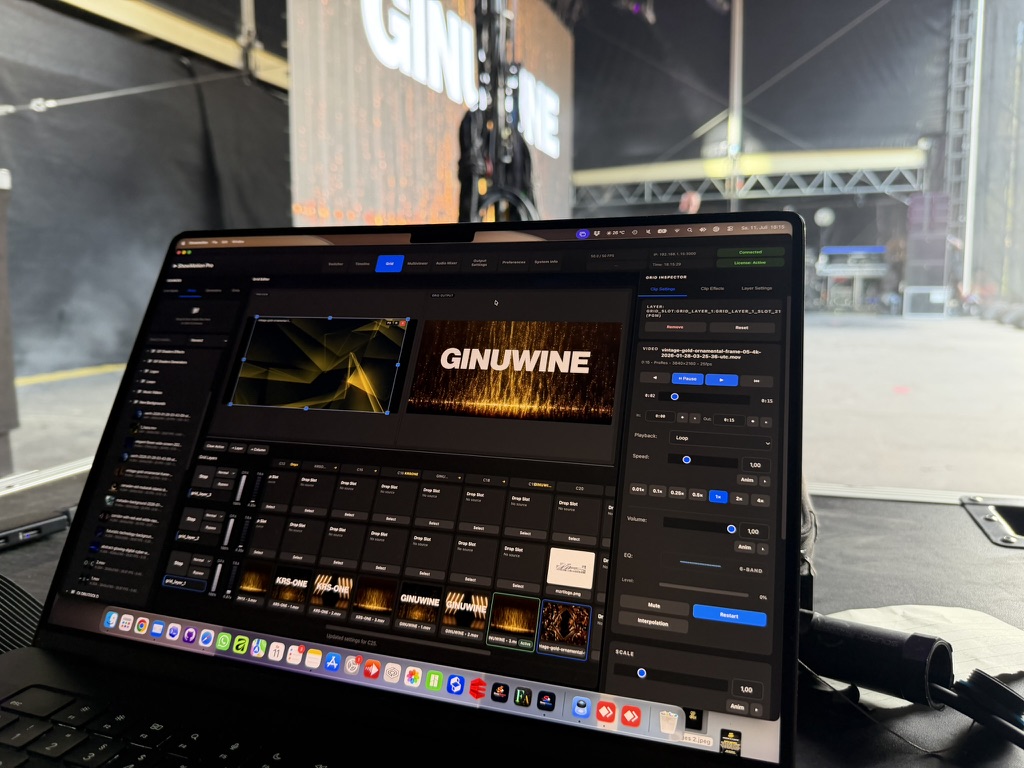
Live festival visuals from a MacBook to a 14-metre LED wall.
MacBook HDMI 2.0 NovaStar MX40 LED wall
FINE-PITCH LED · DIRECT HDMI
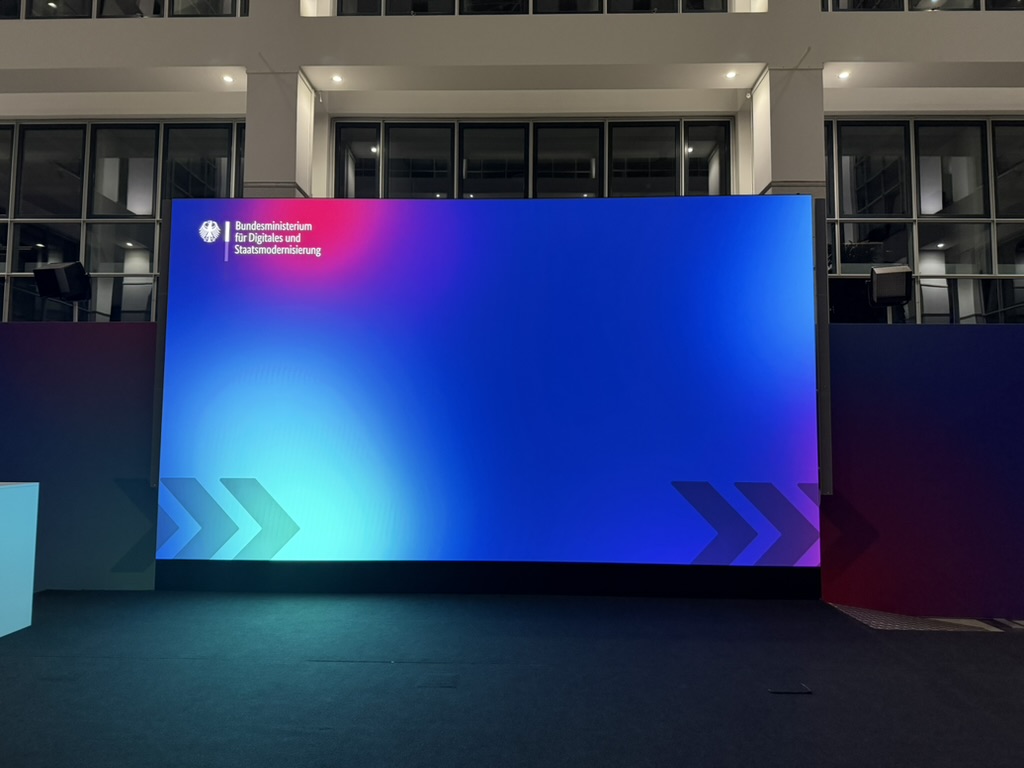
6K LED playback through the Mac’s built-in HDMI output.
Mac HDMI 2.1 ELED Mosaic 3 × HDMI 2.0
START BUILDING
Latest release: ShowMotion Pro 1.20.
For Apple Silicon · macOS Sequoia or later.
DMG · Includes the installer, tools and documentation.
Download ShowMotion Converter 1.0.2 (PKG) ↓Explore licenses ↗Satellite for iOS & Apple TV ↗Earlier releases & downloads ↗CONTACT
Tell us what you want to build, test or license. We will reply with a practical next step for product inquiries, production workflows or ShowMotion Pro licensing.